

Zero to Patch: A Practical Patch Management Checklist
Introduction
Patch management is one of the highest-leverage security activities available to any operations or security team. Despite its importance, organizations often struggle with inconsistent inventory, manual processes, and incomplete verification, leaving windows of exposure and an audit trail that’s difficult to defend. This guide is a practical, operational checklist designed for small and medium teams: it focuses on repeatable steps you can adopt immediately to reduce risk, create measurable outcomes, and scale the process over time.
Inventory: Know what you have
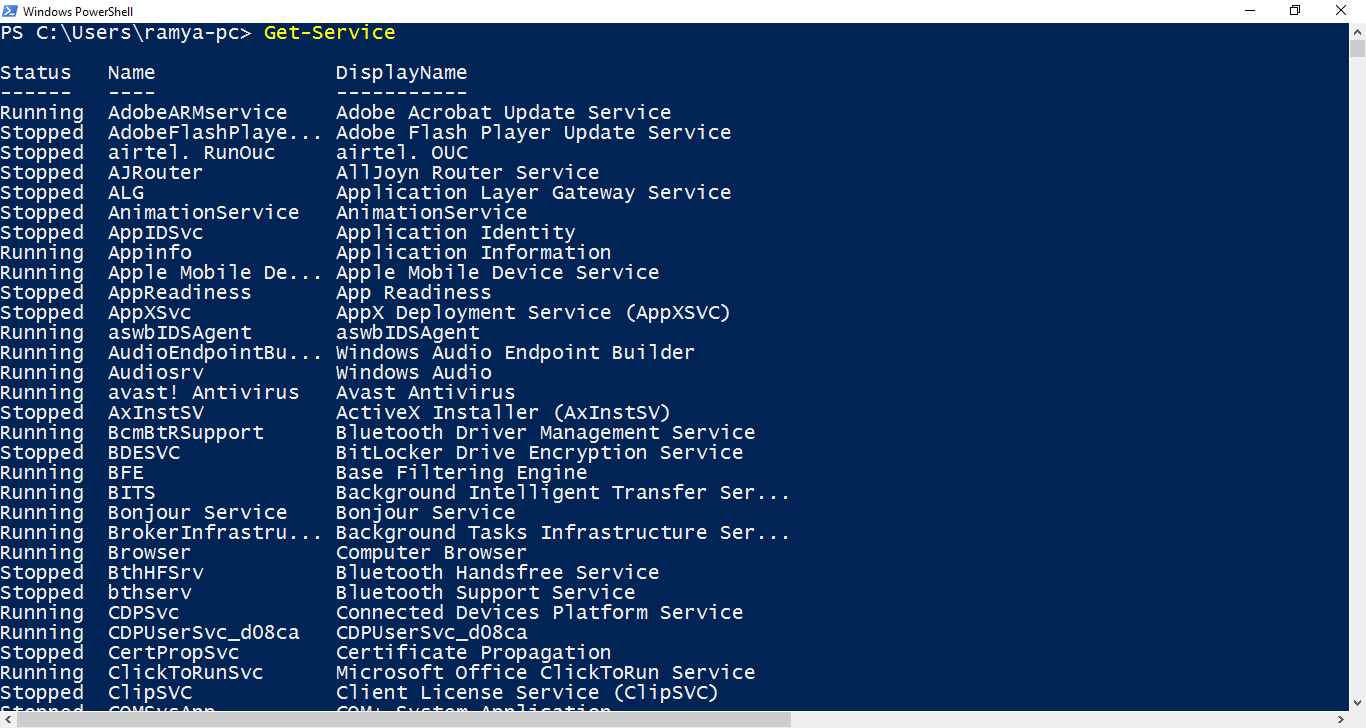
A reliable patch program starts with an accurate inventory. You must know every host, virtual instance, container image, and critical application, along with their owners and environments (production, staging, dev). Inventories can be sourced from a combination of agent telemetry (endpoint/EDR), cloud provider APIs (instances, images), orchestration systems (k8s), and a lightweight CMDB or tag system. The important part is verifiability: ensure each inventory row has an owner, purpose, and at least one authoritative discovery source so you can reconcile drift. Without this data, prioritization and post-patch verification will be guesswork rather than a defensible process.
Photo: Zulfugar Karimov / Unsplash
Classify & prioritize
Once you have an inventory, classify assets by business impact and external exposure. Public-facing systems get a higher default priority; systems hosting sensitive data or critical services should push to the front of your queue. When vulnerabilities are discovered, enrich each finding with CVSS, any public exploit or KEV indicators, vendor severity, and, where applicable, business context (which customers/functions depend on the system). Prioritization is a simple score: exploitability + exposure + business criticality. The result is a ranked remediation queue: Critical/High and exploitable systems are handled first; everything else is batched intelligently.
Schedule & windowing
Define a predictable cadence. For many small teams, that looks like weekly staging updates and monthly production rollouts, plus emergency windows for KEV/Critical items. Use staggered rollouts: start with a canary cohort (1-5% of production), monitor for regressions, then expand to larger batches. Each rollout should be backed by an automated health check and a documented rollback path. Keep windows short and consistent so stakeholders can plan, and on-call teams are not surprised by out-of-band changes.
Test first
Testing reduces surprise. Always apply patches first in a staging environment that mirrors production as closely as possible; when full parity isn’t feasible, use a meaningful subset of services. Automate smoke tests that validate core functionality (ability to serve requests, authentication, key transaction paths). If a patch shows regressions in canary, have defined rollback criteria and a documented triage flow to isolate the fault. Tests are not perfect – but consistent, automated tests reduce mean time to detect and fix post-deployment issues.
Automate safely
Automation reduces human error and improves reproducibility. Use your package manager and configuration management tooling (Ansible, Chef, Puppet), or image rebuild workflows. Store change scripts in version control and have them deploy via CI/CD pipelines. Tag patch windows in source control so you can trace which code/config released which change. For containerized workloads, prefer immutable-image updates over in-place patching; that simplifies verification and rollback.
Mitigation for unpatchable systems
Some systems can’t be patched immediately – think legacy appliances, hardware-constrained systems, or applications with unpatched dependencies. For those, document compensating controls such as network microsegmentation, firewall rules, WAF signatures, or temporary access restrictions. Assign exceptions to owners with defined deadlines and periodic review. Track these exceptions centrally so they don’t become permanent technical debt.
Verification & evidence
After a rollout, run verification scans and automated checks to confirm package versions, CVE status, and configuration integrity. Keep copies of scan reports, smoke-test results, and deployment logs tied to the ticket or change request. This evidence is invaluable for audits and for demonstrating that you followed a repeatable process in the event of an incident.
Metrics & feedback
Define and track KPIs: mean time to remediate (MTTR) for Critical and High CVEs, patch coverage rates by OS/application, and rollback rates. Use these metrics to identify systemic problems: a high rollback rate on a particular host class suggests a fragile deployment pipeline; a long MTTR indicates organizational blockers. Feed metrics back into process improvements: better pre-production testing, improved inventory, or automation investments.
Communications & runbook
Create pre-written communications and runbooks for emergency and scheduled patch windows. The runbook should include: who to notify, rollback triggers, verification steps, and a post-deployment owner for incident follow-up. Test the runbooks in tabletop exercises to ensure clarity under pressure. Well-structured communications reduce confusion during high-stress remediation events and ensure stakeholders are aligned.
Continuous improvement
Patch programs should evolve. Periodically review test coverage, reduce manual steps, and expand discovery to close inventory gaps. Run post-mortem analyses of failed rollouts to identify root causes and prevent recurrence. Make small, iterative changes to the process and measure their impact – that’s how an ad-hoc effort becomes a mature program.
Conclusion
A practical patch program is built on the pillars of inventory, prioritized triage, safe automation, and verification. Start with a narrow scope – one service or OS family – prove the workflow, and then scale. If you want, I’ll expand any checklist item into a detailed playbook with examples (Ansible playbooks, CI job snippets, smoke-test scripts) and produce a ready-to-run automation package.